

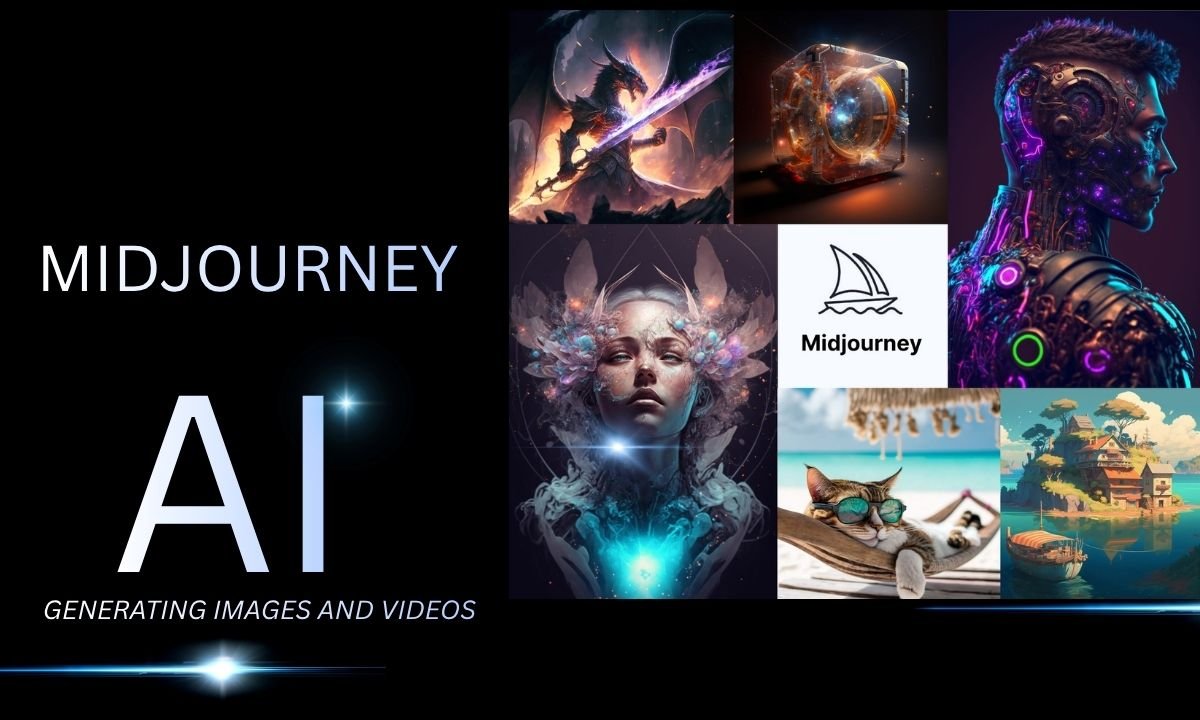
Midjourney has become a robust generative AI tool for generating and manipulating images based on textual input and reference images. Its image capabilities also go beyond just generating images to editing, personalizing, variations, style references, and creating short videos in 2026. Users can create images from descriptions, tweak the results using variations, and tweak the visuals using the Editor and Edit Model.
Midjourney’s video tool can create a video from a single image, offering both low and high motion settings, in just 5 seconds. It has a default image model of V8.2, which will be released on July 24, 2026, with enhancements concentrating on aesthetics, picture quality, and customization. Users can access it on its website and Discord, providing several options to create, edit, and animate AI-generated graphics across various creative applications.
What is Midjourney?
Midjourney is a generative AI application for generating images and videos based on text input and image references. Midjourney enables users to enter a description in its Imagine bar to create a series of images, and then fine-tune the output with various tools, including variations, upscaling, personalization, and image references.
Its website also provides an Editor where images can be manipulated using the inpainting, outpainting, Remix, Pan, and Zoom Out options. The service also enables converting images into 5-second videos (low or high motion).
As of 2026, V8.2 is the default Midjourney image model, which was released on July 24th, 2026, and made improvements in the areas of aesthetics, image quality, personalization, and editing.
History of Midjourney
Midjourney is an independent generative AI research lab started by David Holz. Its research and development of AI models started in 2022, and the company is currently working on technologies that are capable of creating visual content based on the user’s request. Its initial models helped make Midjourney one of the most important AI image generation platforms, including Version 1, which was launched in February 2022.
The company has been continuously enhancing its models with successive releases such as V4 in November 2022, V5 in March 2023, V6 in December 2023, V7 in April 2025, and V8.2 in July 2026.
Who was the founder of Midjourney?
David Holz is the founder of Midjourney. He leads the company as it develops image and video-generating technologies. Midjourney is defined as a community-based research lab and currently has a relatively small and distributed team.
Key features of Midjourney
1. AI Image Generation
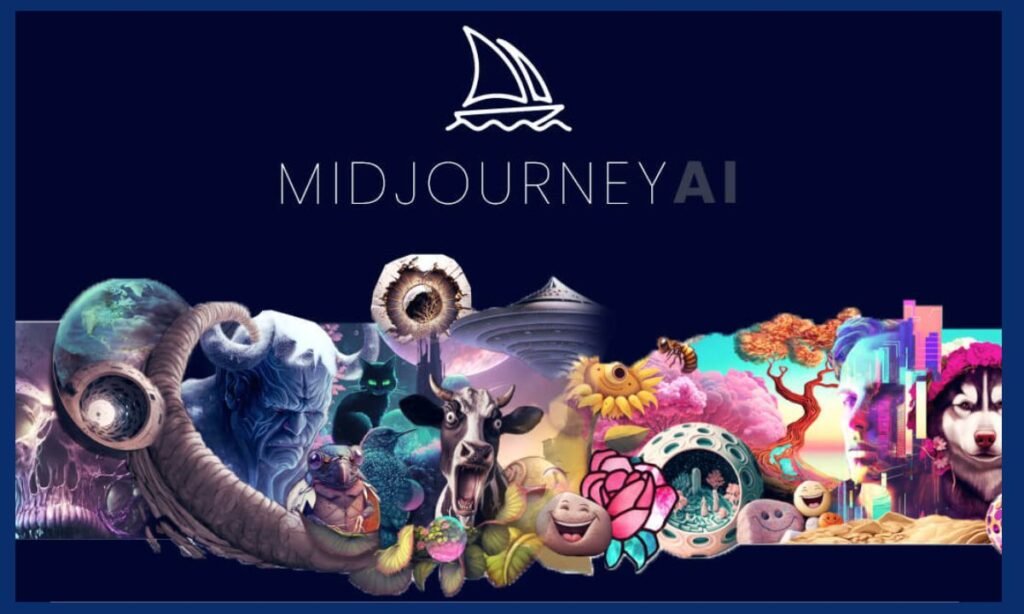
AI image generation is the main feature of Midjourney. Users put in a text prompt, and Midjourney creates an image from that prompt. Details about the subject, environment, lighting, composition, camera style, colours, and mood are all examples of prompt details.
It can be used to create digital artwork, ads, product images, illustrations, social media graphics, wallpapers, concept art, and other creative works. The user can also further edit the created image to go in various directions with their creativity.
2. AI Video Generation
MidJourney has also extended to AI video making, with the ability to animate still images. A short video can begin with a generated image, or an image can be uploaded as the starting image.
Users can select either Low Motion or High Motion as per their requirement for motion in the result. Low Motion can be used for the subtle movement of the subject or camera, whereas High Motion can achieve more noticeable movement.
Can be helpful for social media posts, promotions, visual storytelling, product demonstrations, and creative experiments.
3. Midjourney Editor
The Midjourney Editor is used to tweak images that have been created already rather than creating a new image. Users can interact with the creations generated by Midjourney and appropriate images from other resources.
Using the Editor, portions of an image may be erased, areas may be recovered, the canvas may be expanded, and changes may be made to selected parts of a visual. It comes in handy when original image quality is good, but there are extra adjustments required.
For instance, a user could make an image of a product and then alter the background, enlarge the image, or alter a specific area without redoing the whole project.
4. Avoid using images that look like styles
Midjourney enables users to utilize reference images as a guide for generation. Users can describe what they want to see visually without using words by providing an image that elucidates the appearance, composition, or style.
Style References are convenient if an image creator wants multiple images to share a common look. It can be useful for branding, fashion ideas, advertising campaigns, character ideas, and social media posts.
Another advantage of reference-based generation is that it can help users ensure consistency in a series of creative assets.
5. Personalization
By using personalization, users can teach Midjourney their preferred visual styles, which it will then replicate when creating images. Users can create a profile of images that they like and dislike.
If configured for personalization for the account, images generated may be based on those preferences. This can be handy for creators who often create with a certain aesthetic.
For instance, people who like cinematic photography, realistic lighting, and environments can use personalization to obtain outcomes that align more with their visual tastes.
6. Advanced Creative Controls
Users can influence the creation of images by adjusting parameters such as Midjourney does. These controls can affect the aspect ratio, variation, randomness, and personalization.
This aspect ratio feature is especially useful for content creators who require images for various platforms. A creator can generate landscape images for YouTube, vertical images for social media, or square images for other digital platforms.
As users become more comfortable with writing a prompt and they want more control over their outcome, more advanced parameters come into play.
7. Edit Model and Advanced Image Editing
Midjourney’s more recent Edit Model offers a more sophisticated workflow when editing images and utilizing reference material. Users can pass parameters to change the existing image and can utilize several reference images in supported workflows.
The system can accomplish a range of operations, including altering a designated region, enlarging images, and adding visual imagery to new projects.
This renders Midjourney more valuable for full creative processes, as users are able to create an image, touch it up, incorporate references, and refine the image further, instead of just generating the image once.
How to use Midjourney
Midjourney’s user-friendliness is quite simple, particularly via its web-based platform. Simple prompts are available, and advanced controls can be learned as one progresses.
Step 1: Create an Account
Go to the Midjourney website and sign up or log in to an existing account. To use the current image-generation service, users must have an active subscription.
Step 2: Go to the Create Page
Once logged in, visit the Create page. It’s the primary workspace to enter prompts and create images.
The Imagine bar is used to describe the image that you want Midjourney to create.
Step 3—Type in a Prompt
Outline the image that you wish to create.
For example:
Photograph a futuristic India urban landscape at night, with glowing skyscrapers, rain, realistic reflections, dramatic lighting effects, detailed architecture, and wide-angle photography.
Communicating the intended concept is easier when the desired subject, atmosphere, and visual direction are clearly explained.
Step 4: Look at the images generated
Midjourney is a tool used to create images from text prompts by AI. Look at the pictures and choose the one that best represents the outcome you think of.
You can then try out various prompts and settings.
Step 5: Edit the Image
Use the editing tools that are available to modify the image if necessary. You can modify specific areas, expand the image, or make other adjustments.
This is helpful if only the top or bottom of the image requires editing.
Step 6: Make a video
Use Midjourney’s video feature to animate a suitable image if you desire to animate it. You can choose the movement options and create a short video from the initial image.
Midjourney Pricing in 2026
Midjourney currently offers four main subscription plans: Basic, Standard, Pro and Mega. Prices are subject to change due to the terms of billing, taxes, and regional conditions.
| Plan | Monthly Price | Annual Price | Fast GPU Time |
| Basic | $10/month | $96/year | 3.3 hours/month |
| Standard | $30/month | $288/year | 15 hours/month |
| Pro | $60/month | $576/year | 30 hours/month |
| Mega | $120/month | $1,152/year | 60 hours/month |
Annual billing offers a lower cost per month than a monthly payment.
The Standard, Pro, and Mega plans offer unlimited images generated in Relax Mode, with the Pro and Mega plans offering extra video and privacy options.
Basic vs Standard vs Pro vs Mega
| Feature | Basic | Standard | Pro | Mega |
| AI Image Generation | Yes | Yes | Yes | Yes |
| Fast GPU Time | 3.3 hours | 15 hours | 30 hours | 60 hours |
| Unlimited Relax Images | No | Yes | Yes | Yes |
| Video Generation | Yes | Yes | Yes | Yes |
| HD Video | No | Yes | Yes | Yes |
| Relax Video | No | No | Yes | Yes |
| Stealth Mode | No | No | Yes | Yes |
| Commercial Usage | Yes, subject to terms | Yes, subject to terms | Yes, subject to terms | Yes, subject to terms |
The Basic plan is aimed at lighter use, with Standard offering significantly higher GPU time and unlimited image generation using Relax Mode. The Pro and Mega options come with higher usage limits and extra functionality for more demanding professional use.
Midjourney for Designers
Midjourney can be utilized when conceptualizing a project. They do not have to produce an early concept by hand, but can create multiple image paths in a short period of time.
It can be helpful for brainstorming branding, fashion concepts, product visualization, game environments, illustrations, advertising campaigns, or creative mood boards.
Midjourney can thus be used as a tool for creative exploration in addition to conventional graphic design software.
Midjourney for Content Creators
Content creators can use Midjourney for generating thumbnails, illustrations, backgrounds, social media graphics, and more.
YouTubers can test out thumbnail ideas, and bloggers can make their own illustrations to accompany their articles. The image and video features are also useful for creators of social media to create innovative visual content.
For anyone who wants to create a static image and produce a short-form video, the capability to animate images can be useful.
Midjourney for Businesses
Marketing ideas, visuals for ads, product presentation, and creative brainstorming are all possible uses for Midjourney in the business world.
For instance, before a company decides on a visual concept, they can come up with more than one advertising concept.
The commercial use terms in Midjourney’s Terms and Conditions permit subscribers to use their creations commercially according to the given Terms of Service and plan requirements. Prior to using text or graphics created by the service in business promotions, the business should make sure to review the conditions before doing so.
Midjourney vs ChatGPT
AI has been introduced by both Midjourney and ChatGPT, albeit for different functions.
| Feature | Midjourney | ChatGPT |
| AI Chat | Limited/creative workflows | Yes |
| AI Image Generation | Yes | Yes |
| AI Video | Yes | Available through supported capabilities |
| Image Editing | Yes | Available |
| Text Generation | Limited compared with general AI assistants | Yes |
| Research | Not its primary focus | Yes |
| Coding | Not its primary focus | Yes |
| Document Work | Limited compared with general AI assistants | Yes |
| Image References | Yes | Available |
| Visual Creation | Strong focus | Broad AI capabilities |
While Midjourney is a tool geared towards creating visual content, ChatGPT is a more versatile AI assistant for conversation, writing, coding, research, analysis, and more.
Midjourney vs Traditional Graphic Design Software
| Feature | Midjourney | Traditional Design Software |
| Text-to-image | Yes | Usually no |
| AI concept generation | Yes | Depends on software |
| Manual editing | Available | Strong |
| Creative exploration | Fast | More manual |
| Precise design control | Developing | Generally stronger |
| Learning method | Prompt-based | Tool-based |
| Image generation | AI-based | Usually manual or template-based |
| Professional post-production | Often needs additional tools | Strong |
Midjourney is not meant to be a replacement for design software. Rather, it is utilized to create ideas and visual marketing materials that can then be edited in business applications.
Pros and Cons
| Pros | Cons |
| High-quality AI image generation | Requires a paid subscription |
| Strong creative capabilities | GPU time can be consumed quickly |
| Advanced image editing | Some results may need manual correction |
| Image-to-video generation | Generated videos are short |
| Personalization features | Advanced features require learning |
| Reference image support | Exact details may not always be reproduced |
| Web-based workflow | Features can change over time |
| Commercial usage under applicable terms | Higher plans can be expensive |
Is Midjourney Free?
The current subscription model of Midjourney features the Basic, Standard, Pro, and Mega subscription plans. Would not currently offer a free plan for people to sign up to as part of their regular pricing.
The pricing, promotions, and access conditions may change, so users should check the latest subscription options before signing up.
Can you use AI images generated by Midjourney?
The Midjourney mode is tailored towards creating visual content with AI assistance. It offers image generation as well as references, personalization, style controls, and editing features.
The final image will depend on the prompt, references, model, settings, and complexity of the requested image.
If a user knows how to write a detailed prompt and use references, he or she typically can get more controlled results by writing a very short prompt.
Can Midjourney create videos?
Yes. Midjourney can generate animated pictures into brief videos. Users can select from various motions and set a frame, either generated or uploaded, as the starting frame.
Video generation can be beneficial for social media, marketing, creative stories, and promotional videos.
Midjourney for Beginners
When using Midjourney, beginners don’t need to know all of the parameters right away. A standard learning curve is to master the basic prompts and then practice more complex functions.
The most useful items to learn are prompt writing, aspect ratios, image references, style references, personalization, image editing, and video generation. Once these features are used, users will be able to generate more consistent and personalised visual information.
Conclusion
Midjourney is not just a text-to-image generator; it’s also a visual-generation application. It provides AI image generation, image references, personalization, style controls, editing capabilities, and short-form video generation.
It also provides greater flexibility over current images and reference material through its newer editing workflow. This enables a project to go from concept generation into editing and animation in the same creative environment. Midjourney can be a valuable tool for designers, students, content creators, marketers, businesses, and other visual creators, allowing them to brainstorm ideas and generate visual content. It is always good practice to ensure that users are aware of the most up-to-date pricing, features, and commercial use terms before buying or using the platform for professional purposes.
FAQs
Midjourney is a generative AI site that generates and manipulates images based on textual prompts and reference images. It also enables the generation of AI videos for shorter durations.
Right now, Midjourney offers no permanent free plan, but has Basic, Standard, Pro, and Mega levels of subscription.
The current monthly plans range from $10 (Basic) to $30 (Standard), $60 (Pro), and $120 (Mega).
Yes. Still images can be animated and made into brief AI videos using various styles with Midjourney.
The primary applications of Midjourney are image generation, digital art, product visuals, concept design, marketing creatives, social media content, illustrations, and other visual projects that require AI assistance.
Also, Read –

